 Skip to content
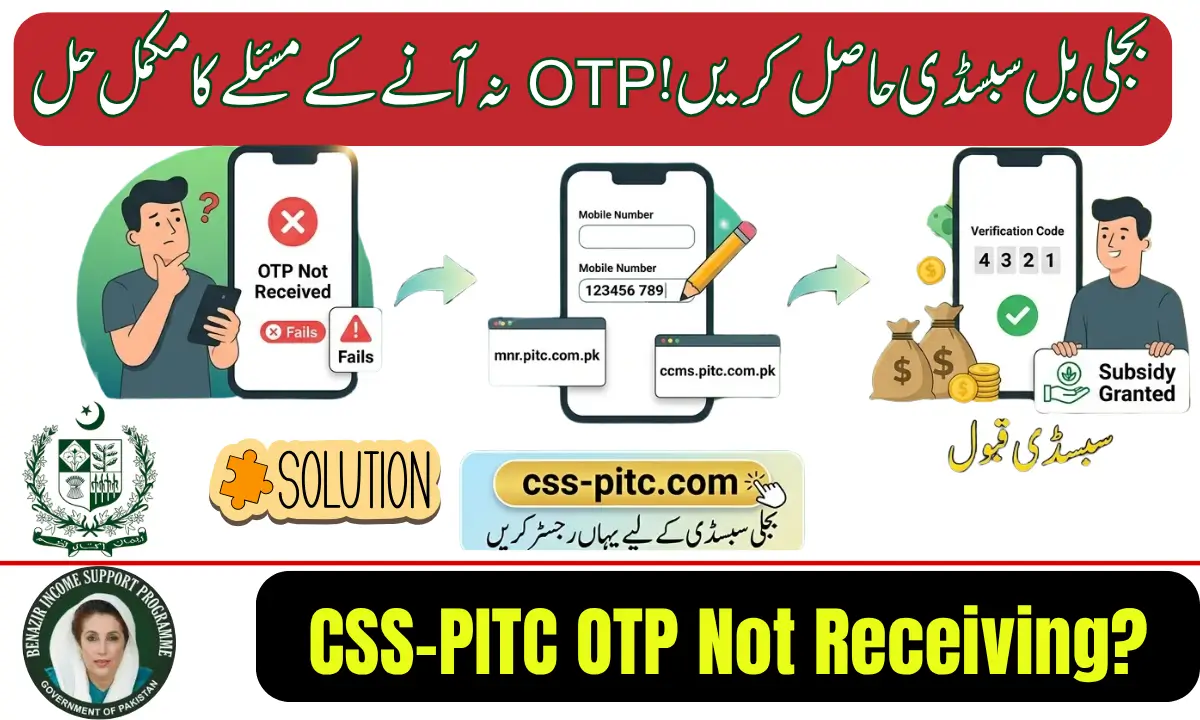
If you are trying to log in to the CSS-PITC portal and the OTP (One-Time Password) is not arriving on your mobile number, you are not alone. Many users face this issue while accessing electricity billing services, checking duplicate bills, or managing their online accounts.
The good news is that most CSS-PITC OTP not receiving problems can be solved within a few minutes by following a few simple troubleshooting steps.
What is CSS-PITC?
CSS-PITC (Customer Services System – Power Information Technology Company) is an online platform used by several electricity distribution companies in Pakistan. It allows consumers to access services such as:
- Checking electricity bills online
- Downloading duplicate bills
- Managing customer accounts
- Updating consumer information
- Receiving notifications and alerts
To protect user accounts, the system sends a verification OTP to the registered mobile number during login or account verification.
Why Is CSS-PITC OTP Not Receiving?
There are several reasons why the verification code may not reach your phone.
1. Incorrect Mobile Number
The most common issue is an outdated or incorrectly registered mobile number. If the number linked to your electricity account is wrong, the OTP will be sent elsewhere.
2. Mobile Network Problems
Weak signals, temporary network outages, or service interruptions can delay SMS delivery.
3. SMS Blocking Settings
Some smartphones automatically block promotional or unknown messages. The OTP message may be filtered into spam or blocked folders.
4. High Server Traffic
During peak hours, thousands of users may attempt to log in simultaneously. This can cause delays in OTP generation and delivery.
5. Expired OTP Request
Requesting multiple OTPs within a short period may temporarily block further verification attempts.
How to Fix CSS-PITC OTP Not Receiving Issue
Follow these steps to resolve the problem quickly.
Check Your Mobile Signal
Ensure your phone has a stable network connection. Move to an area with better signal strength if needed.
Verify the Registered Number
Confirm that the mobile number entered on the CSS-PITC portal matches the number registered with your electricity account.
Restart Your Phone
A simple restart can refresh network settings and help receive delayed SMS messages.
Wait and Request Again
If the system is busy, wait for 5–10 minutes before requesting another OTP.
Check Spam or Blocked Messages
Review your SMS settings and unblock any filtered messages that may contain the verification code.
Contact Customer Support
If the issue continues, contact the relevant electricity distribution company or CSS-PITC support team for assistance with account verification.
Tips to Avoid OTP Problems in the Future
- Keep your registered mobile number updated.
- Avoid requesting multiple OTPs repeatedly.
- Maintain sufficient mobile network coverage.
- Regularly update your phone’s software and messaging application.
- Save official customer support numbers for quick assistance.
Final Words
The CSS-PITC OTP not receiving issue is usually caused by network delays, incorrect mobile numbers, or temporary system congestion. By checking your mobile settings, verifying your registered number, and waiting a few minutes before requesting a new code, you can solve most OTP problems easily. If the issue persists, contacting customer support is the best solution to restore access to your account.
FAQs
Why am I not receiving the CSS-PITC verification code?
The OTP may be delayed due to network issues, server load, or an incorrect registered mobile number.
How long does a CSS-PITC OTP take to arrive?
Most OTPs arrive within a few seconds, but delays of several minutes can occur during peak usage periods.
Can I receive the OTP on another number?
No. The OTP is typically sent only to the mobile number registered with your electricity account.
What should I do if the OTP still does not arrive?
Verify your registered number, restart your phone, and contact customer support if the problem continues.